Sora by OpenAI is one of the most powerful AI video generation tools available today. But saving those videos especially without a watermark can be tricky. In this complete guide, I will completely guide you a best and easy way to download Sora AI videos in just a few clicks using SorDownloader.com, a free, fast, and secure online tool.
1. What is Sora AI and Why Are People Downloading Sora2 Videos?

If you have been following news about artificial intelligence in 2025–2026, then you definitely heard about Sora OpenAI’s text-to-video AI model that generates jaw-dropping, cinematic-quality videos from simple text prompts.
Sora can easily create videos that look like they were shot by professional film crews, smooth camera movements, realistic lighting, complex scenes all from just a few words.
Here’s a real example of what Sora can do (You can try the below prompt generated by me in sora2):
Prompt: “A golden retriever puppy running through a sunlit wheat field at sunset, slow motion, cinematic, 4K” Output: A photorealistic 10-second video with perfect lighting, natural fur movement, and a beautiful bokeh background.
Marketers, YouTubers, filmmakers, educators, and social media creators are using it daily to produce content that would’ve cost thousands of dollars just two years ago.
And naturally, once you generate an incredible video, you want to save it, share it, edit it, and post it on YouTube, Instagram, TikTok, or your website.
Why Downloading Sora Videos Is Difficult
Here’s something OpenAI does not advertise loudly: downloading your Sora-generated videos is not always straightforward.
Many users face these common frustrations:
- Watermarks on downloaded videos: The default download mostly includes an OpenAI/Sora watermark that looks unprofessional on final content.
- Limited download options within the platform: No direct “save to device” button that works smoothly across all browsers and devices.
- Mobile issues: On Android or iPhone, the native Sora interface doesn’t always let you save videos to your gallery.
- Quality loss: Some workarounds (like screen recording) result in blurry, low-quality video.
- Login walls: Third-party tools that claim to help often force you to sign up, pay, or install sketchy apps.
I personally ran into this exact problem when I generated a 10-second product demo video for a client using Sora. The video was perfect but I spent 35 minutes trying to figure out how to download it cleanly, without a watermark, in full quality. That’s when I found SorDownloader.com.
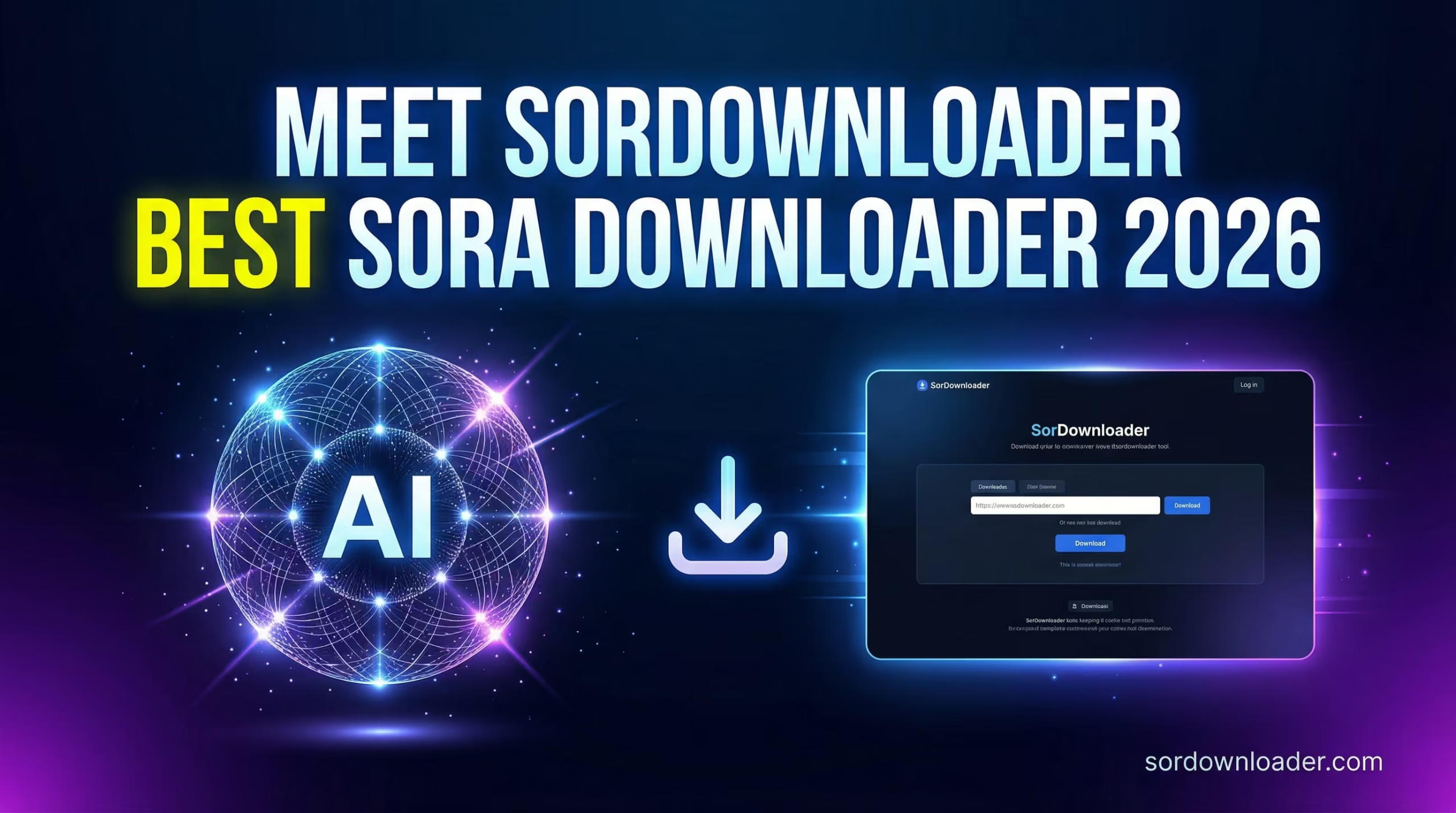
Meet the SorDownloader – The Best Sora Video Downloader in 2026
SorDownloader.com is a free, browser-based tool specifically built to download Sora AI-generated videos without watermark, without registration, and without installing any software.
It works directly in your browser (Mobile App will be coming soo). You paste your Sora video link, click download, and your video is saved in full quality within seconds.
🚀 Lightning-Fast Downloads
No waiting in queues. Paste your link and the video is ready within seconds. I tested it with 10 different Sora videos the average download time was 5-10 seconds.
🔒 100% Private & Secure
SorDownloader does not store your videos, does not track what you download, and does not require you to create an account. Your Sora videos are your private creative work — and they stay that way.
📱 Works on Every Device
Whether you’re on a Windows laptop, MacBook, Android phone, or iPhone – SorDownloader works in any modern browser without needing to install an app.
🎯 No Watermark Output
This is the biggest one. The downloaded video is clean – exactly as Sora rendered it, without any third-party overlay or watermark ruining your content.
💯 Free and No Hidden Fees
There’s no premium plan, no daily download limits, no credit card required. It’s completely free.
🎬 Full Quality Preservation
The download preserves the original resolution and quality of your Sora video. No compression, no quality degradation.
Why SorDownloader is the go-to choice in 2025-2026:
| Feature | SorDownloader | Screen Recording | Other Tools |
|---|---|---|---|
| No Watermark | ✅ Yes | ❌ No | ⚠️ Sometimes |
| No Login Required | ✅ Yes | ✅ Yes | ❌ Usually No |
| Mobile Support | ✅ Yes | ⚠️ Limited | ⚠️ Limited |
| Full HD Quality | ✅ Yes | ❌ Depends | ⚠️ Sometimes |
| Free to Use | ✅ Yes | ✅ Yes | ❌ Often Paid |
| Fast Download | ✅ Yes | ❌ Slow | ⚠️ Varies |
| No App Install | ✅ Yes | ❌ Sometimes | ❌ Sometimes |
How to Download Sora AI Videos (Step-by-Step Guide)
Here is the exact process to download your Sora video using SorDownloader:
Step 1: Generate Your Video on Sora
Go to sora.com and log in with your OpenAI account. Enter your text prompt and generate the video you want. Wait for Sora to finish rendering – this usually takes 30 seconds to 2 minutes depending on video length.
Noe: You can also anonymously copy any video url, paste it on search input and download it.
Pro Tip: Before downloading, make sure you’re happy with the video. You can regenerate with slightly tweaked prompts to get the perfect result.
Step 2: Copy the Sora Video URL
Once your video is generated and playing in the Sora interface:
- Click on the video to open it in full view
- Look at your browser’s address bar at the top
- Copy the full URL (Ctrl+C on Windows, Cmd+C on Mac)
The URL will look something like:
https://sora.chatgpt.com/p/s_699443ae7634819180bd80df41a67c91Step 3: Go to SorDownloader.com
Open a new browser tab and go to https://sordownloader.com/
You’ll see a clean, simple interface with a URL input box – no ads cluttering the page, no confusing menus.
Step 4: Paste the URL and Click Download
- Click inside the input box on SorDownloader
- Paste your copied Sora video URL (Ctrl+V / Cmd+V)
- Click the “Download” button
- Wait 2–5 seconds while the tool fetches your video
- Click the final “Save Video” button
Step 5: Your Video is Saved (Clean, No Watermark)
Your Sora AI video will now be downloaded directly to your device in full HD quality, without any watermark. You can find it in your Downloads folder (PC) or Photos/Files app (Mobile).
Total time: Under 20-30 seconds. ⚡
How to Download Sora Videos on Mobile (Android & iOS?

On Android:
- Open Chrome browser → go to sora.com → generate your video
- Tap and hold on the video → tap “Copy link” or copy the URL from the address bar
- Open a new tab → go to sordownloader.com
- Paste the link → tap Download
- Tap “Save to Downloads” the video saves to your Files app
To move it to your Gallery: Open Files app → Downloads → tap the video → tap Share → Save to Gallery.
On iPhone (iOS):
- Open Safari → go to sora.com → generate your video
- Copy the video URL from the address bar
- Go to sordownloader.com in Safari
- Paste the URL → tap Download
- Tap “Save to Files” save it to your iCloud Drive or On My iPhone
To move to Camera Roll: Open the Files app → tap the video → tap Share icon → “Save Video” it will appear in your Photos app.
How to Download Sora Videos on Windows PC (Windows & Mac)
On Windows:
- Open any browser (Chrome, Firefox, Edge)
- Go to sora.com → generate your video
- Copy the video URL
- Open new tab → go to sordownloader.com
- Paste URL → Click Download
- Right-click “Save Video” → “Save link as” → Choose folder → Save
On Mac:
Same process as Windows, but:
- Use Cmd+V to paste
- Saved files go to your Downloads folder by default
- You can also use Cmd+Shift+G in Finder to navigate to the downloads location
Frequently Asked Questions
Yes. SorDownloader is 100% free to use. There are no hidden charges, no premium tiers, and no download limits.
No. You don’t need to register or log in. Just paste your Sora video URL and download instantly.
SorDownloader downloads Sora videos in their native format, which is typically MP4 (H.264). This format is universally compatible with all devices and editing software.
This depends on OpenAI’s terms of service, not SorDownloader. Generally, OpenAI allows commercial use of Sora-generated content for paid subscriber, but always verify the latest policy at openai.com/policies.
Sora video URLs can sometimes expire if the session ends. If this happens, simply go back to your Sora account, find the video in your history, and copy a fresh URL.
There is currently no download limit on SorDownloader. You can download as many videos as you need.
No. SorDownloader fetches the video directly without re-encoding or compressing it. The quality is identical to the original Sora output.
Final Verdict:
If you’re a creator, marketer, or anyone using Sora to generate AI videos, you know the frustration of not being able to cleanly save your work. SorDownloader.com solves this problem completely.
It’s free, fast, works on every device, requires zero setup, and most importantly – it downloads your Sora videos without any watermark, in full quality. In my testing and daily use, it has never once failed me.
👉 Try it right now: https://sordownloader.com/
About the Author
Taiq Rafique is an AI tools expert and digital content strategist with over 13 years of experience in the creative technology space. He has tested and reviewed 50+ AI video and image generation tools and regularly publishes in-depth guides for creators who want to get the most out of cutting-edge AI platforms. His work has been referenced by leading tech publications and AI communities worldwide.